
Bring forward, hide, throw away
Keep what you use on Home. Hide what you'd rather not show. Thrown-away things come back for 30 days.
Press and hold something you saved and its actions appear. Three of them are covered here.
Bring it to Home (pin)
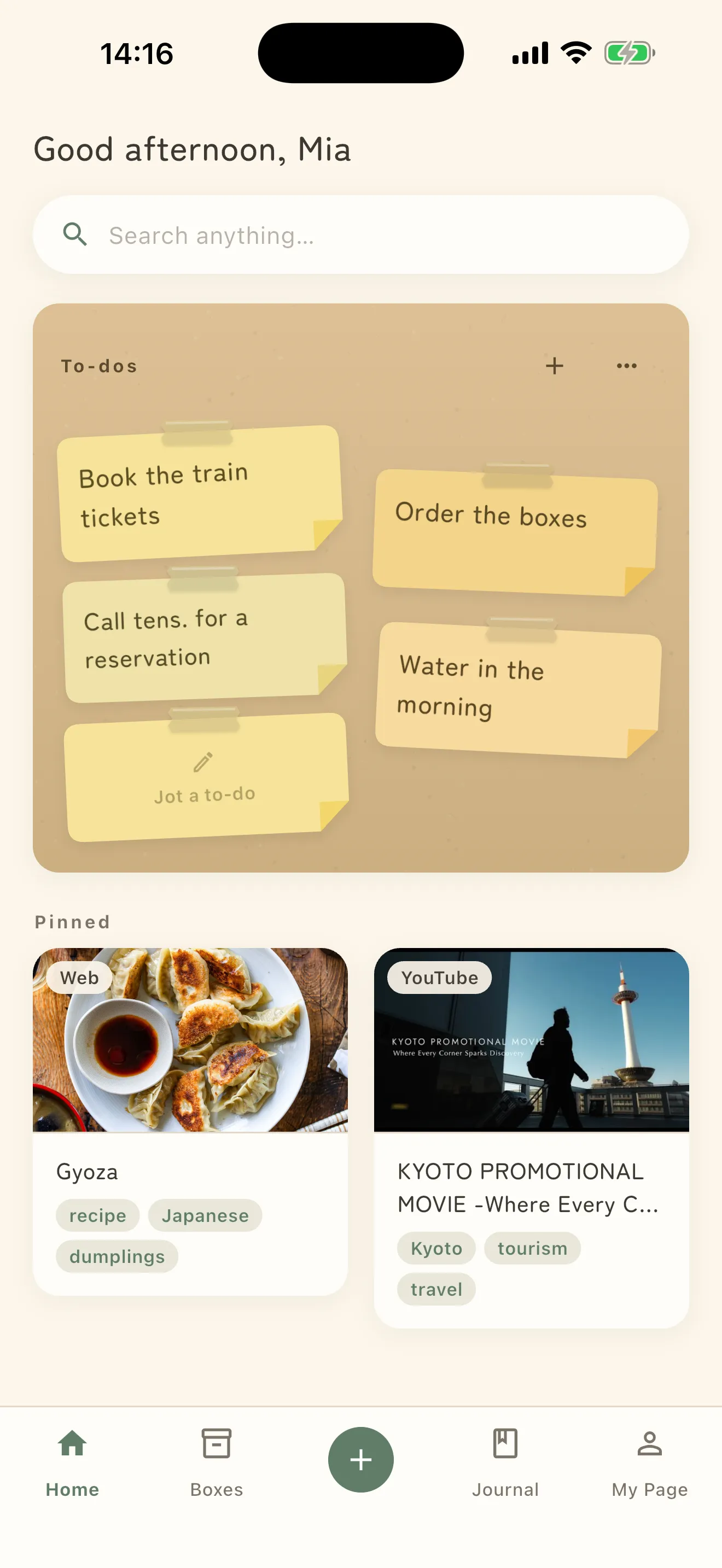
Choose Pin to Home and it joins Pinned on Home. Pinned to Home confirms it.
However much piles up, the ones you open often stay out of the search. Unpin takes it back off.
Hide it
Choose Hide and Hidden appears as it disappears from view.
It is not deleted. As the app puts it — “Hidden items don’t appear on Home, in lists, or in search. They’re still visible inside the box they were filed in.”
To see them together, open Hidden items under Data in Settings. Unhide brings one back, and Unhidden confirms it.
Hide something that had a deadline reminder and you get Hidden — its reminder was also cancelled. A hidden item never goes off in the background. The reverse also holds: while it is hidden you cannot set a new reminder (Reminders can’t be set on hidden items. Unhide it first.).
Throw it away
Choose Throw away and it goes to the trash.
It is not gone yet. “Things you throw away stay here for 30 days, then disappear on their own. Photos and files go with them.”
Open Trash under Data in Settings to see what you have thrown away.
- Undo — bring it back any time within 30 days
- Delete permanently — remove it now, without waiting. This cannot be undone.
- Empty — clear the whole thing at once
Whole boxes can go too (Delete box). You are asked to confirm: “The N things inside go to the trash with it. They disappear after 30 days.”
Which to use
- Pinned — you use it often, so bring it forward
- Hide — you just don’t want it shown; the contents stay
- Trash — you don’t want it, with 30 days of grace