
Bundle things into boxes
You don't have to sort anything — search finds it. Boxes are for when you want them anyway.
First, the honest part. You do not have to make any boxes. Search finds everything without them. The app says the same thing.
Even so, there are times — a trip, a move — when you want to see “this stretch of things” together. Use them only then.
Make one
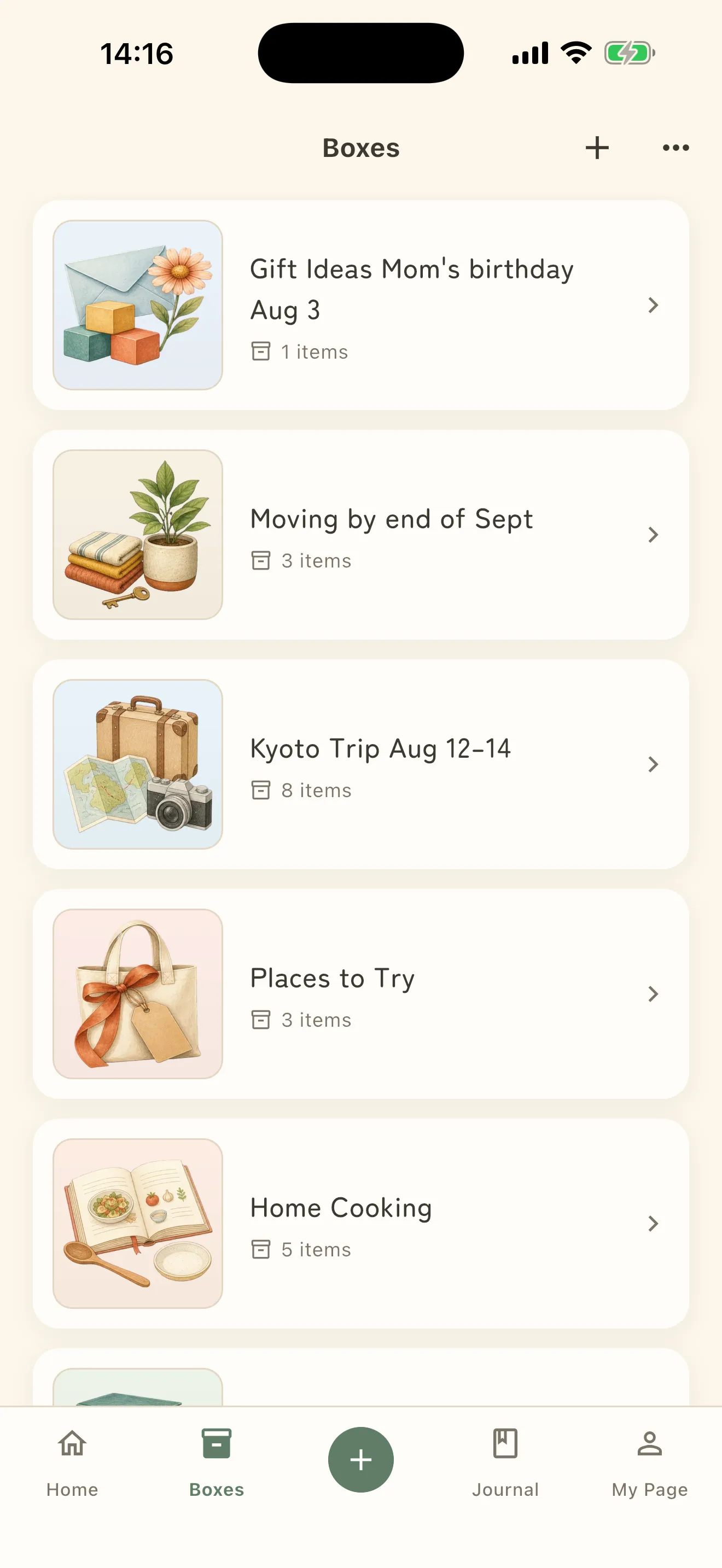
- Open Boxes at the bottom.
- Tap + New.
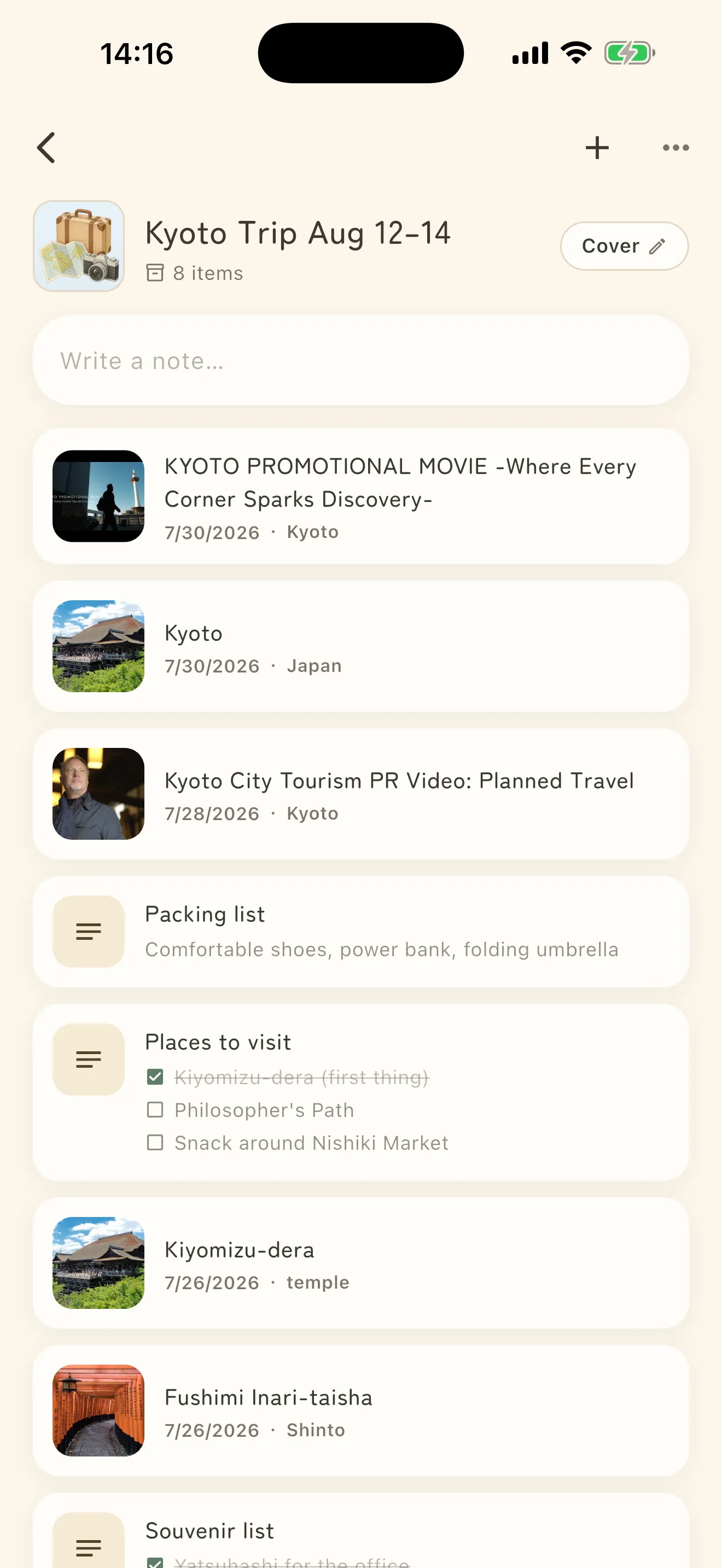
- Give it a name. Something concrete, like “Kyoto trip”, works best.
Put things in
While saving, Choose a box sets the destination. Leaving it on No box is fine.
To file something later, open the item and use Add to box.
Close it when you are done
When the trip is over, choose Close this box. Nothing is deleted — it just moves into Closed boxes. The contents keep showing up in search, and Reopen box brings it back at any time.