
Change how it looks
Not just the colors — the journal characters and the box illustrations change too.
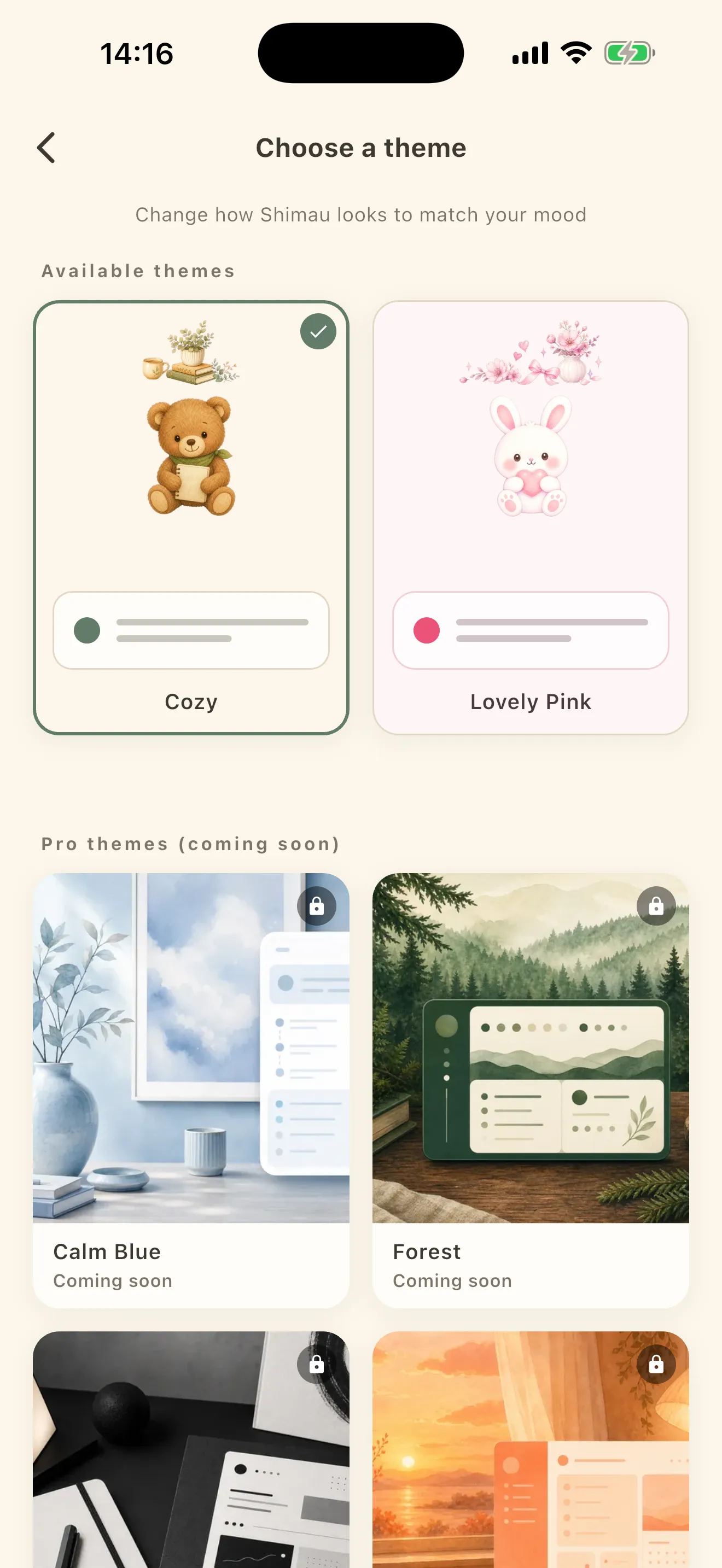
From Theme in Settings, open Choose a theme.
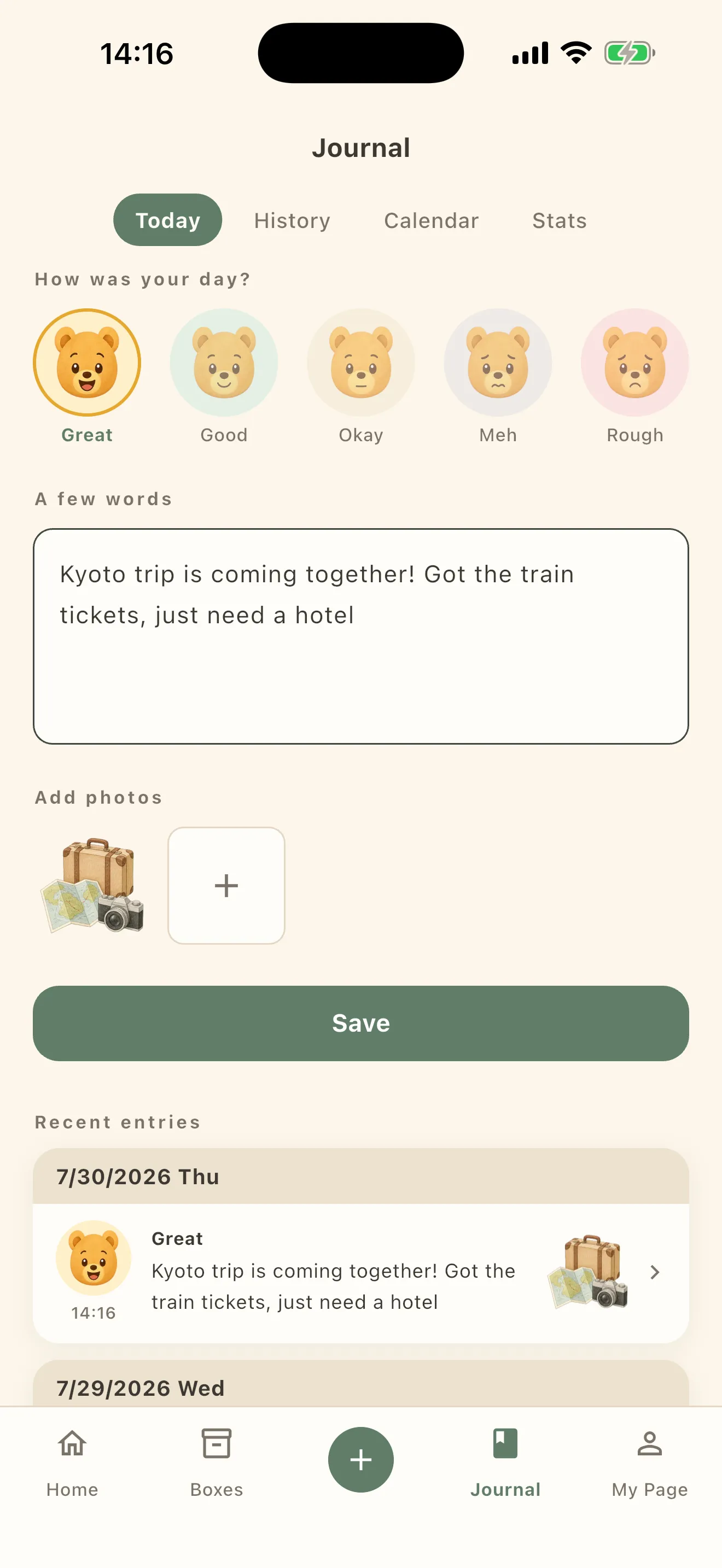
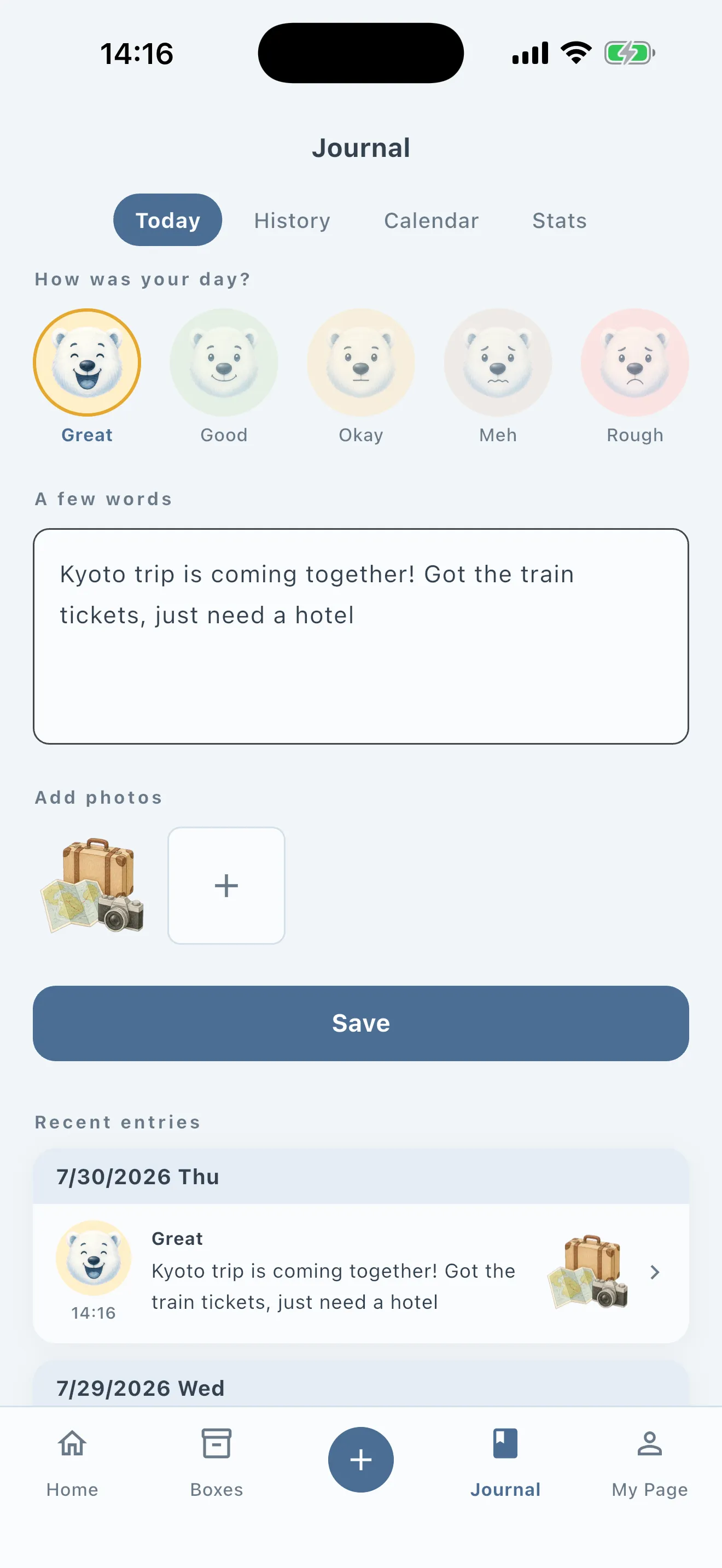
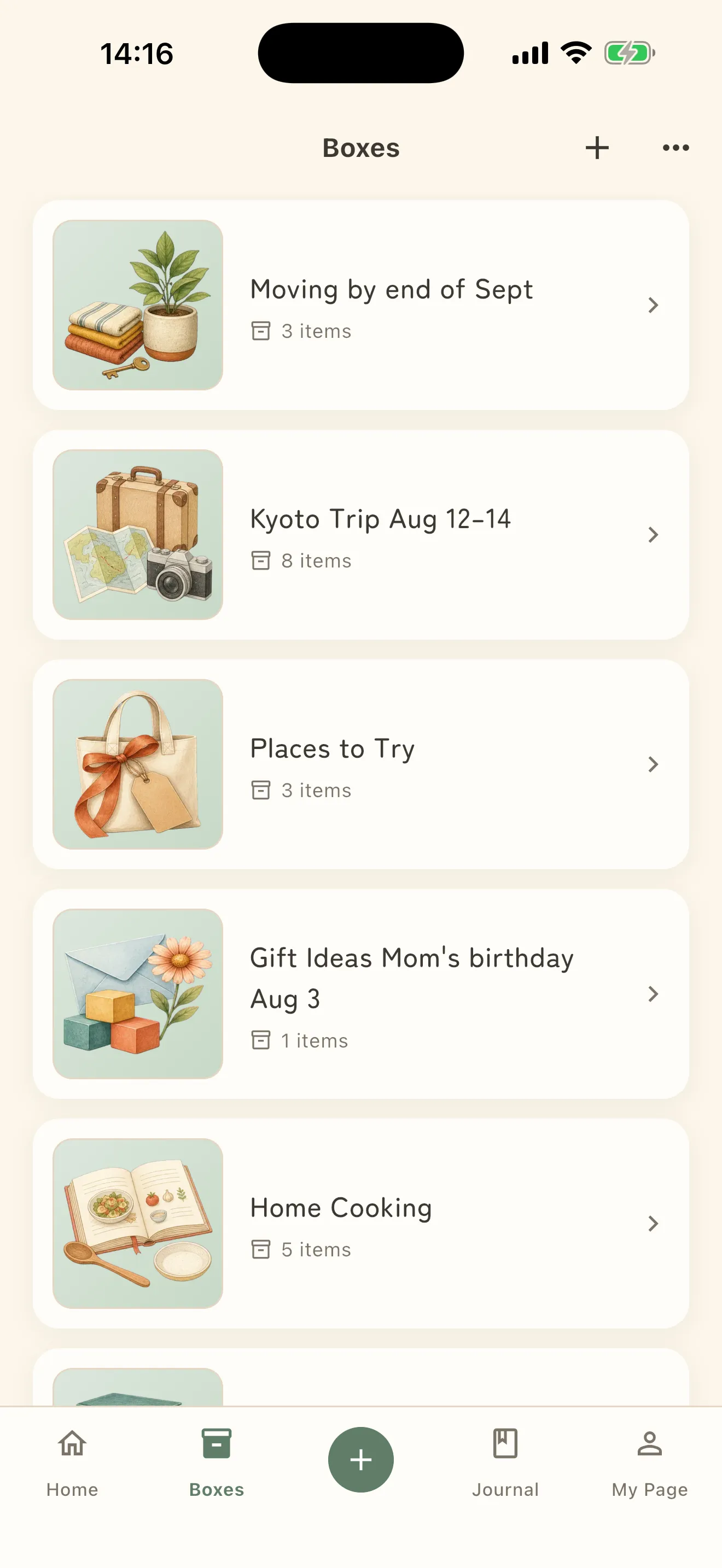
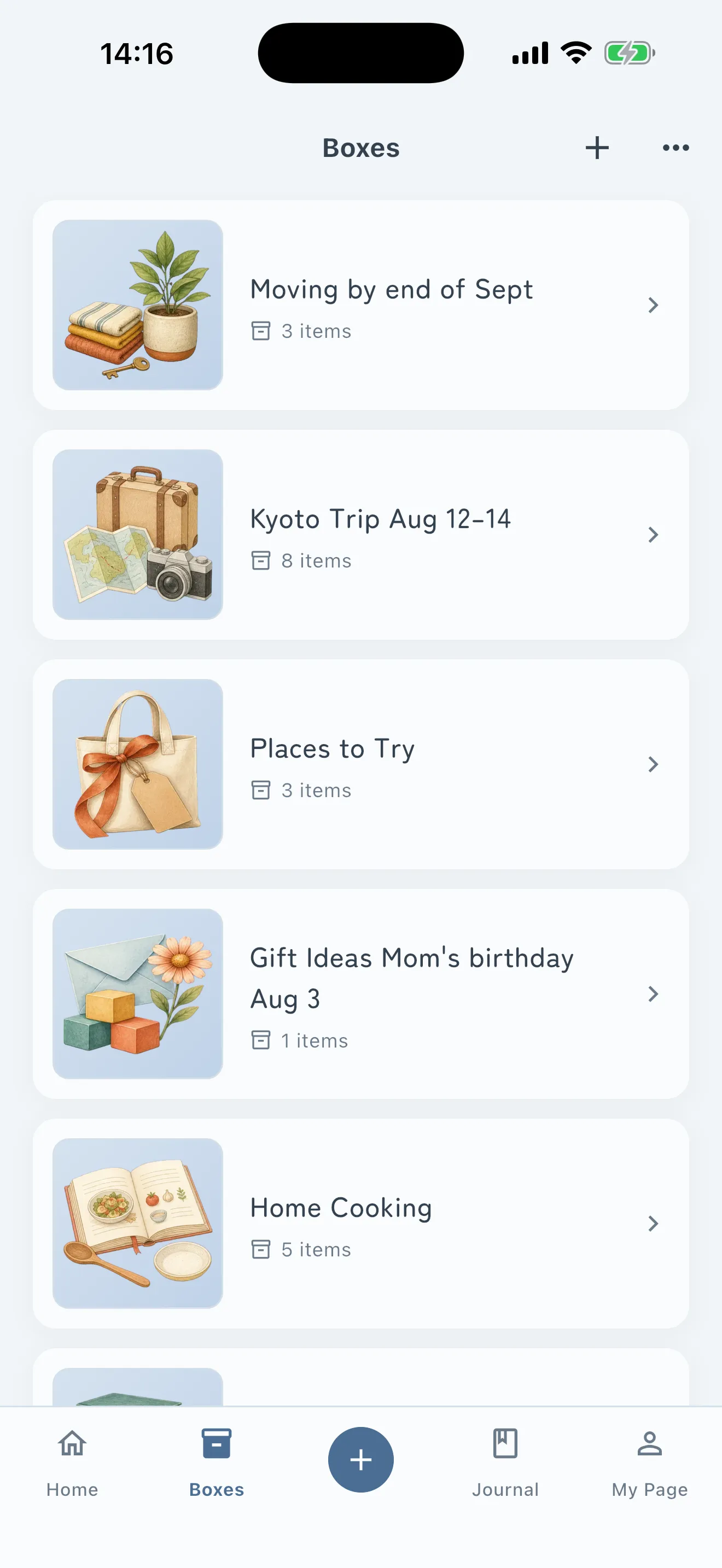
It is not only the colors that change. The characters you pick your mood from in Journal are drawn separately for every theme, and so are the box illustrations.
The Journal characters
Boxes
The themes
- Cozy — the one you start with
- Lovely Pink
Pro themes — two of them for now.
- Calm Blue
- Mono
More will keep coming. If there is one you want, send it in from Tell us the theme you want. When it exists, you get a New themes are here notice.
Box covers are separate
Apart from the theme, each box can have its own cover. Open a box, tap Cover, and Choose a cover opens; Use this cover applies it.