
Save screenshots
The text inside the image becomes searchable. Reading it happens on your device only.
Screenshots you have taken can be sent from the share button in Photos — choose Shimau. From the app’s own capture field, Add photos works too.
The text inside becomes searchable
The text visible in a screenshot is read out of the image. That is what Matched screenshot OCR means when it shows up in search later.
The reading happens on this device only. Settings says the same thing under How analysis works.
Summaries and tags are separate
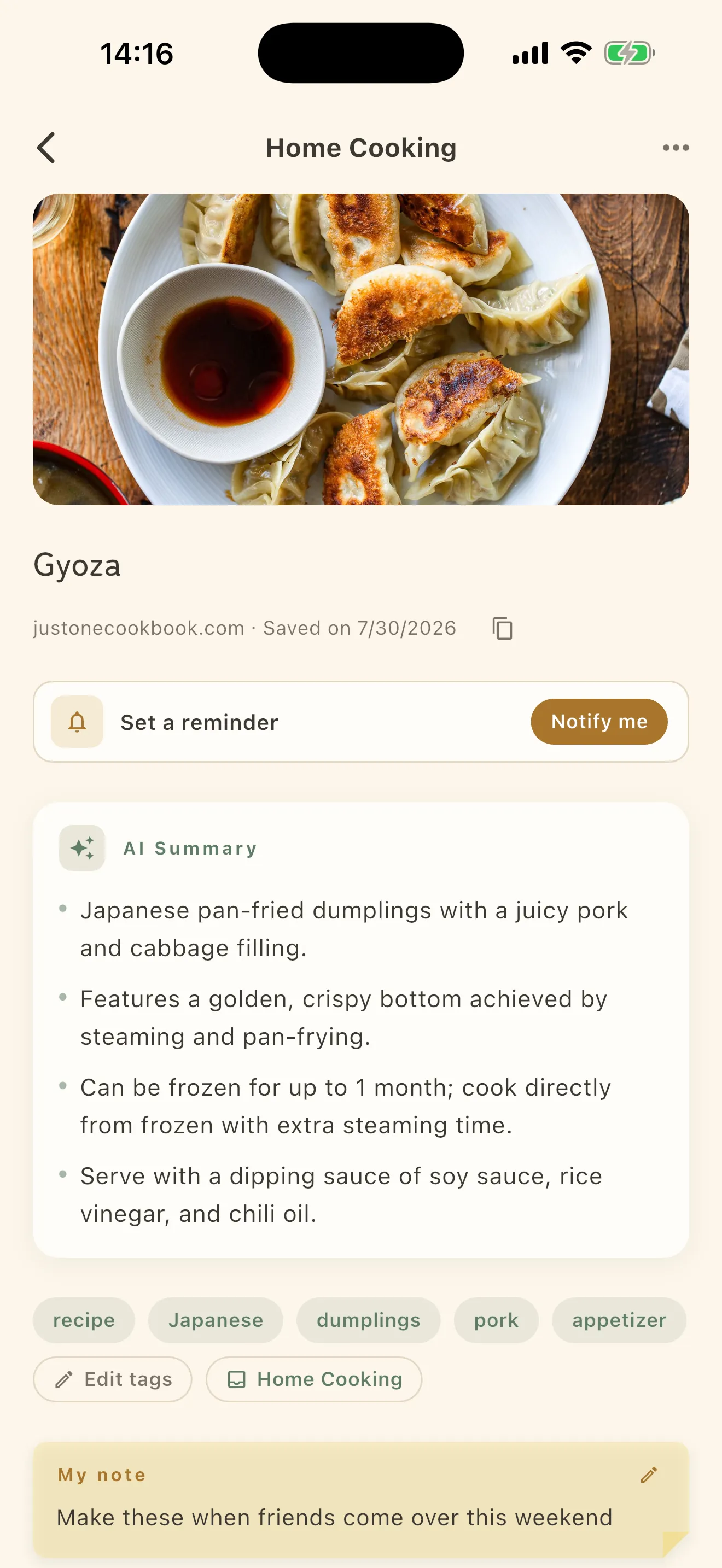
Separately from reading the text, a summary and tags are generated. That part runs in the cloud, but nothing you save is used to train AI.
You can also turn the analysis off entirely. Under How analysis works in Settings, Summary & tag generation switches between Cloud AI and Off (fully local). With the latter, nothing leaves the device — and no summary or tags are added.