Notes, to-dos, moods — one place for all of it
Save now,find later.
Screenshots, links, half-read articles. Later, you find them again in the words you actually remember.


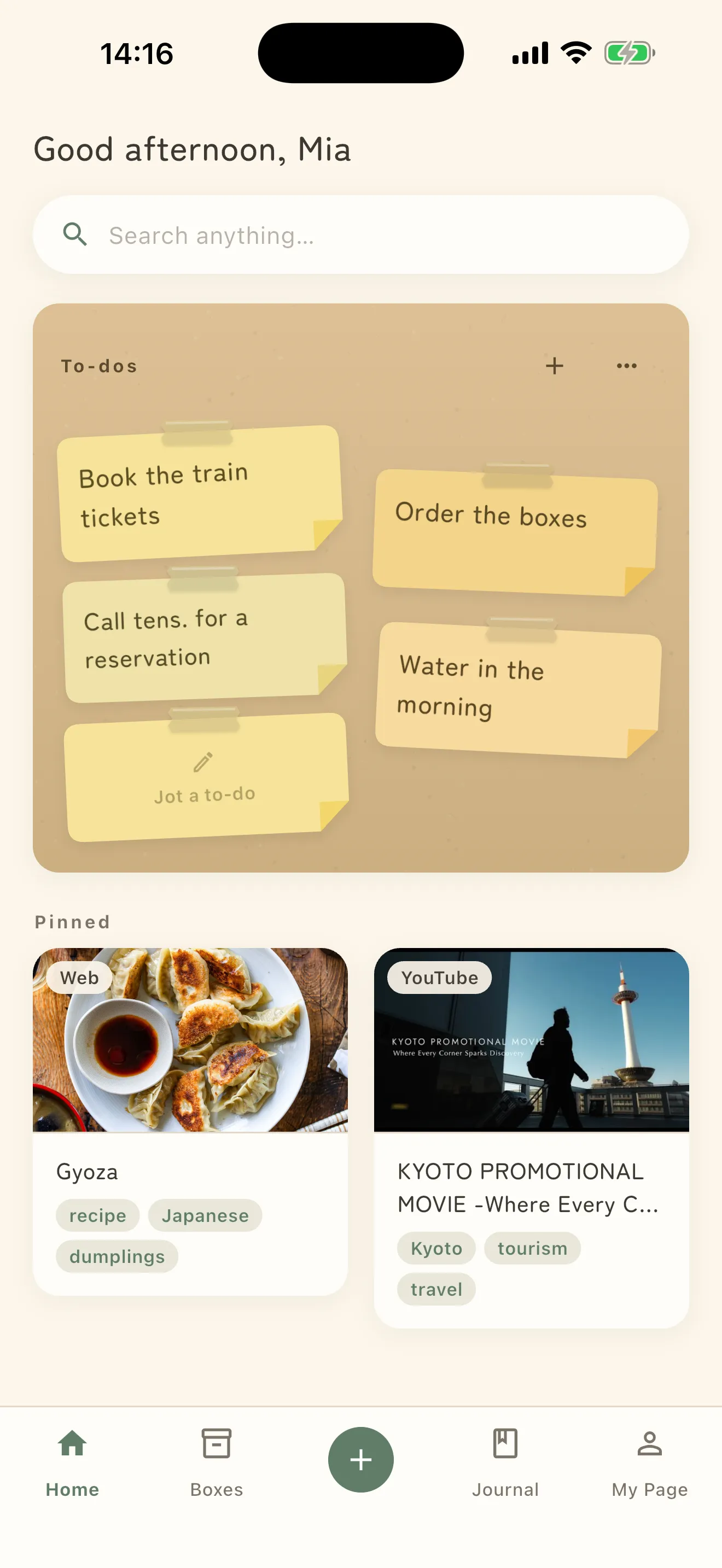
What people put away
How it works
Saving is just tossing it in.
There is nothing to learn. Saving, sorting and searching all sit inside things you already do.
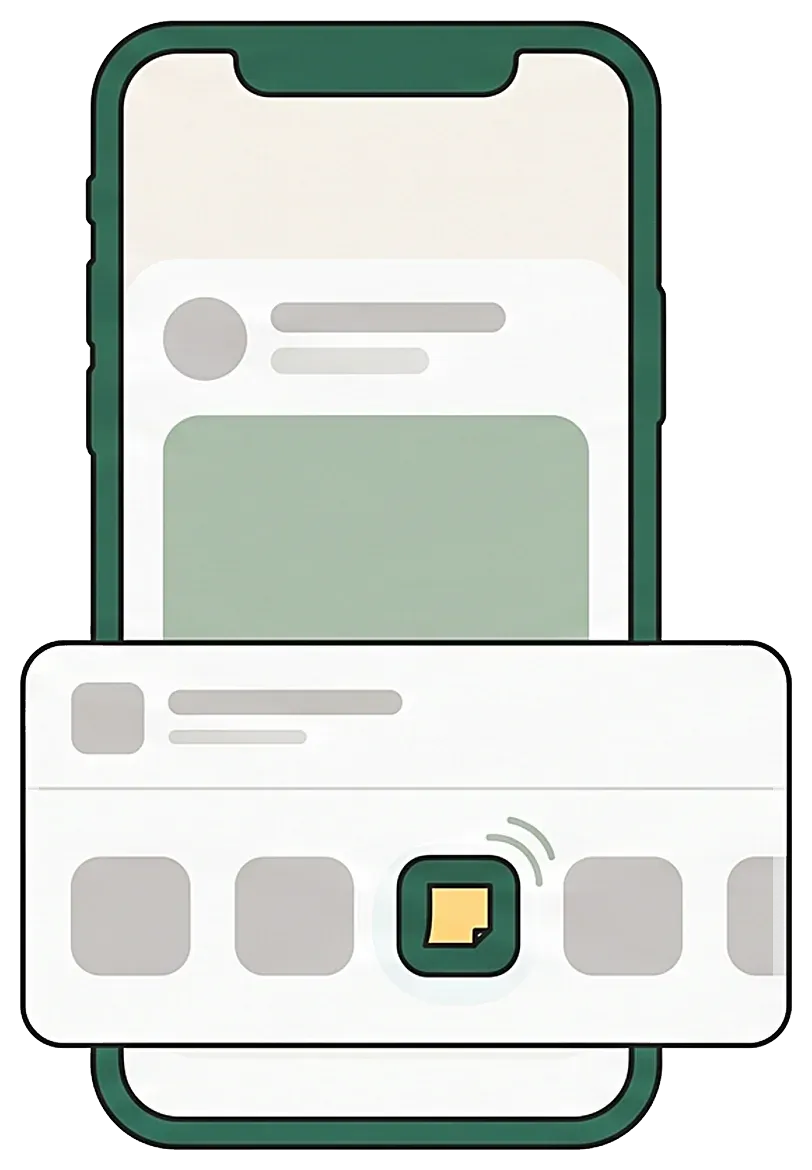
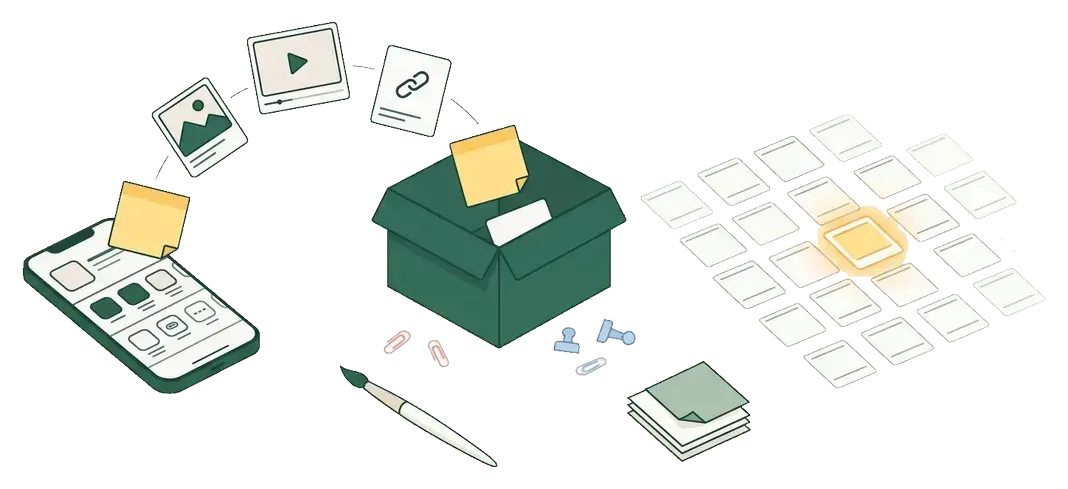
1Toss it in from any app
Tap Share, tap Shimau. No app switching, no folders, no naming. Two seconds and it is put away.
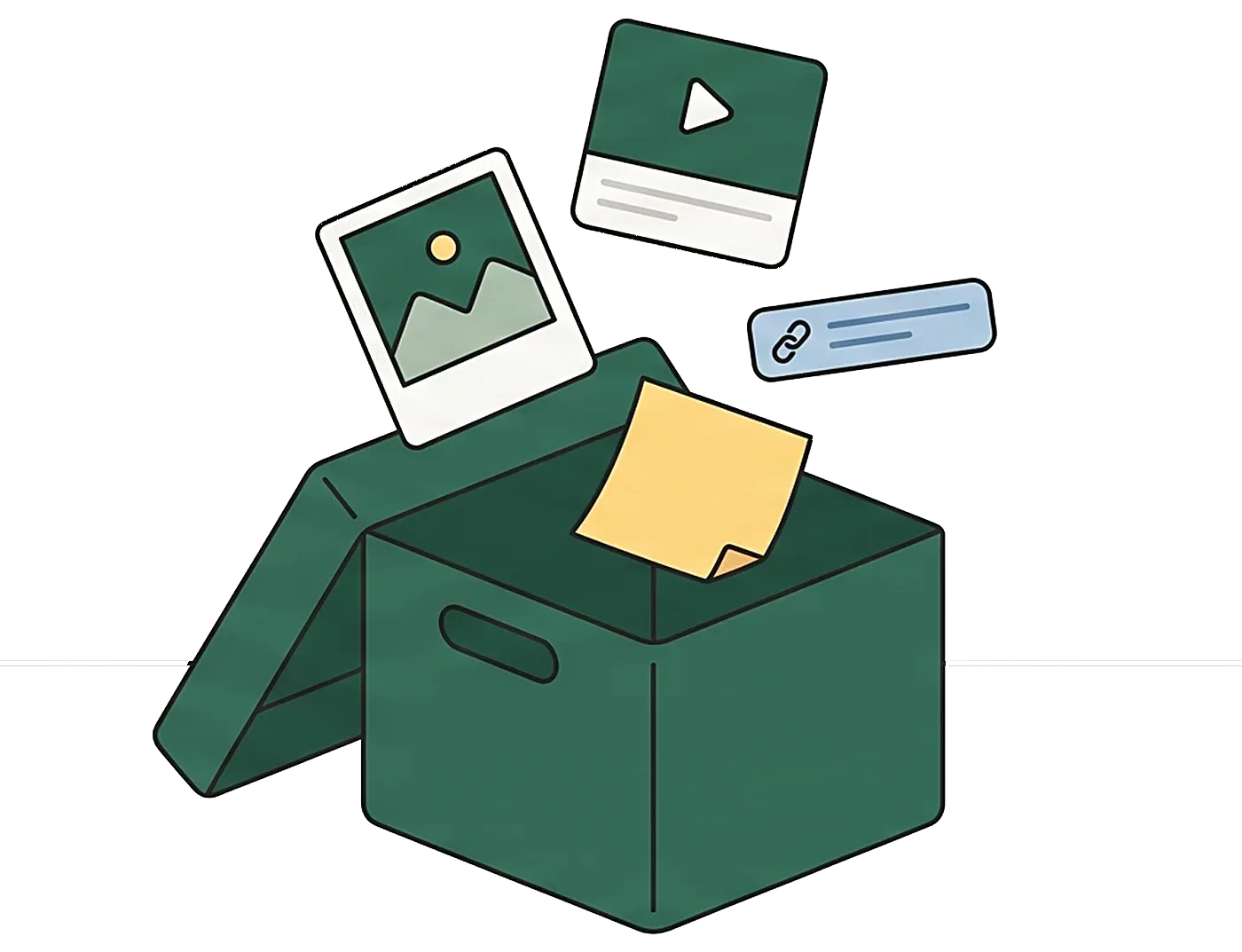
2Shimau reads it for you
A short summary and tags are written automatically. You never have to open it to remember what it was.

3Find it the way you remember it
“That place in Kyoto I saved last week.” Search in everyday words. Shimau matches what you meant, not just the exact title.
Why it sticks
Nothing to learn. Nothing to maintain.
Shimau is the place you do not organize. You enjoy things; putting them in order is the AI's job.
Zero-effort saving
Pick Shimau in the share menu. No folder screen, no tag screen. The bar is low, so it keeps happening.
AI understands what you saved
Links and screenshots get a summary and tags. Screenshots become searchable through on-device text recognition. Notes you write are never sent to AI.
Find it in your own words
“That ramen video from last week.” Search the way you remember, not by exact title.
Only deadlines, gently
When a saved booking or coupon has a date, Shimau offers a reminder. Quiet, standard, or strong. No other notifications, ever.
Make it your own
Themes change colors, type, and illustrations all at once. Dress box covers with theme art, photos, or a color and an emoji.
Private by design
What you save stays on your device. Nothing is stored on our servers or used to train AI. With iCloud sync, it lives in your own iCloud.

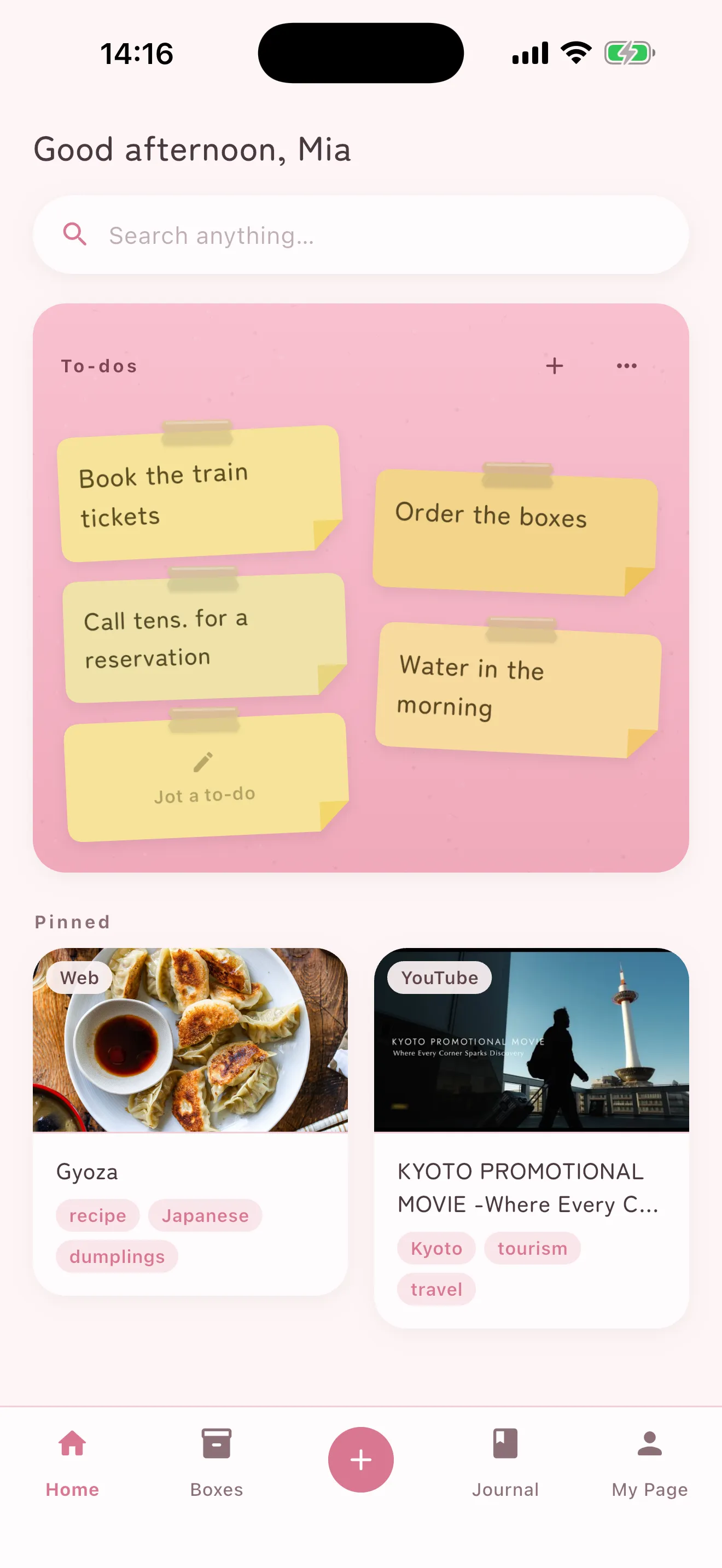
To-dos
Stick it on. Peel it off when it's done.
For people who never managed to keep a to-do app going.
- Your Home shows a wall of every sticky note across all boxes.
- Write a note starting with “- ” and it becomes a checklist, with a focused to-do mode.
- Anything with a date can remind you, gently.
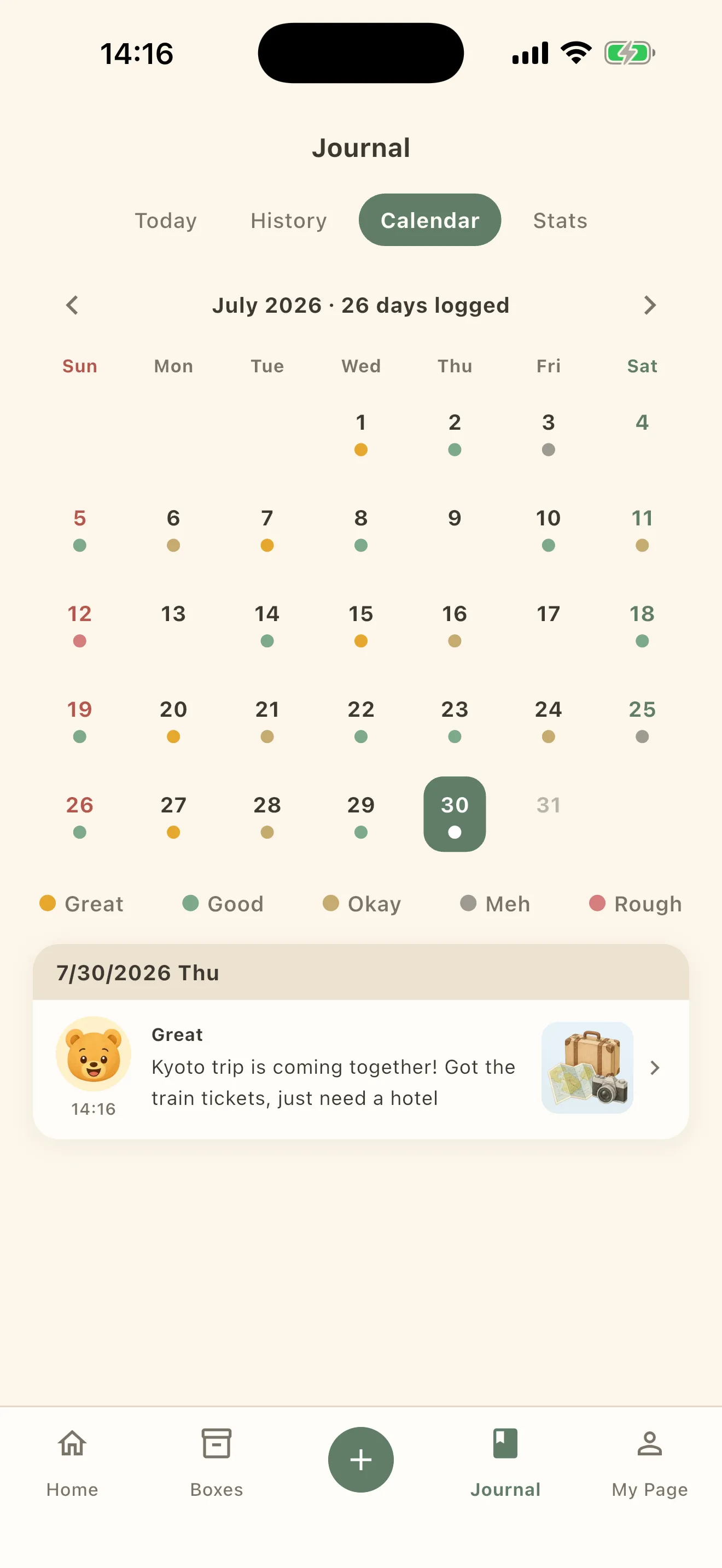

Records
Once a day, how you felt — in one line.
A diary this small is one you actually keep.
- Pick a mood from five faces, right from Home.
- Faces pile up on the calendar; look back at trends and ratios.
- Missed a day? Fine. A rough day still counts.
Themes
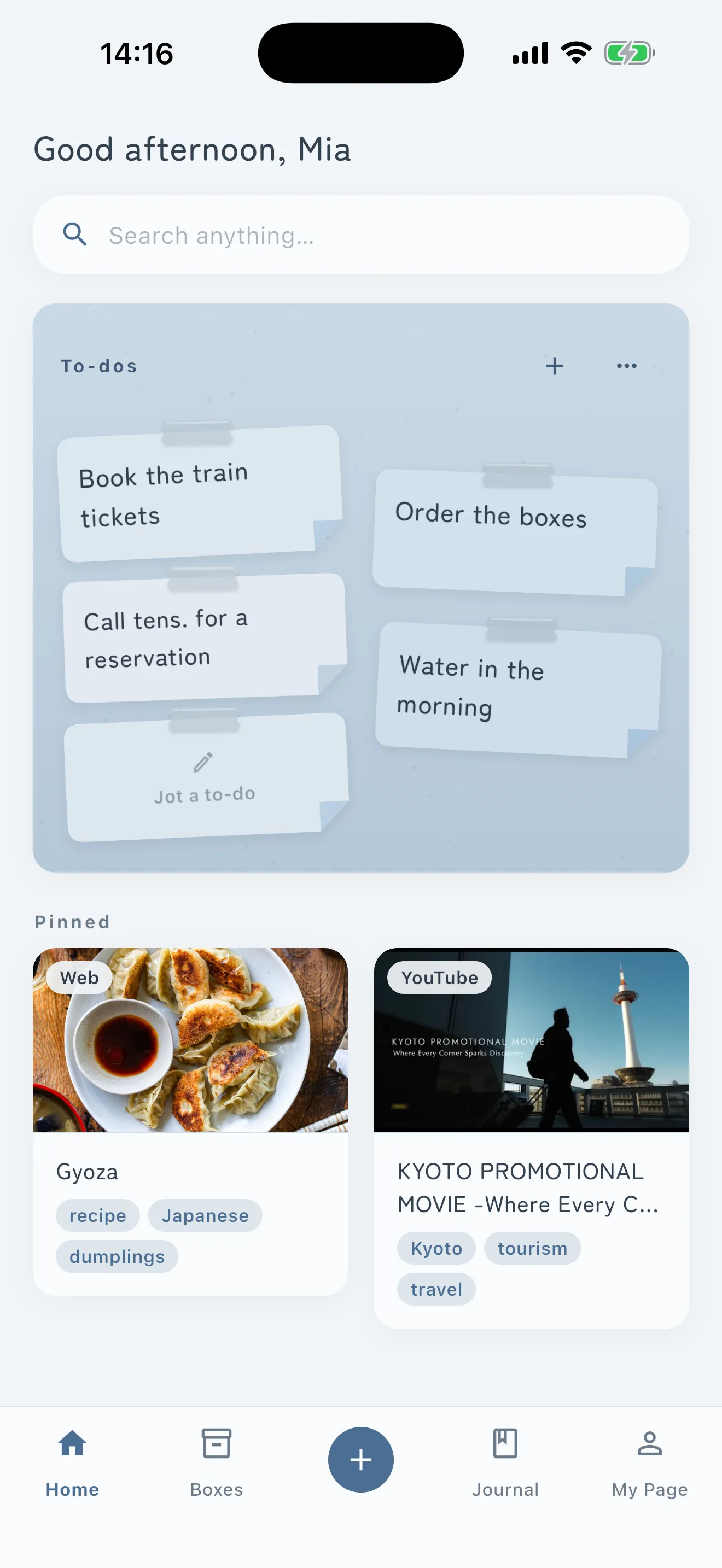
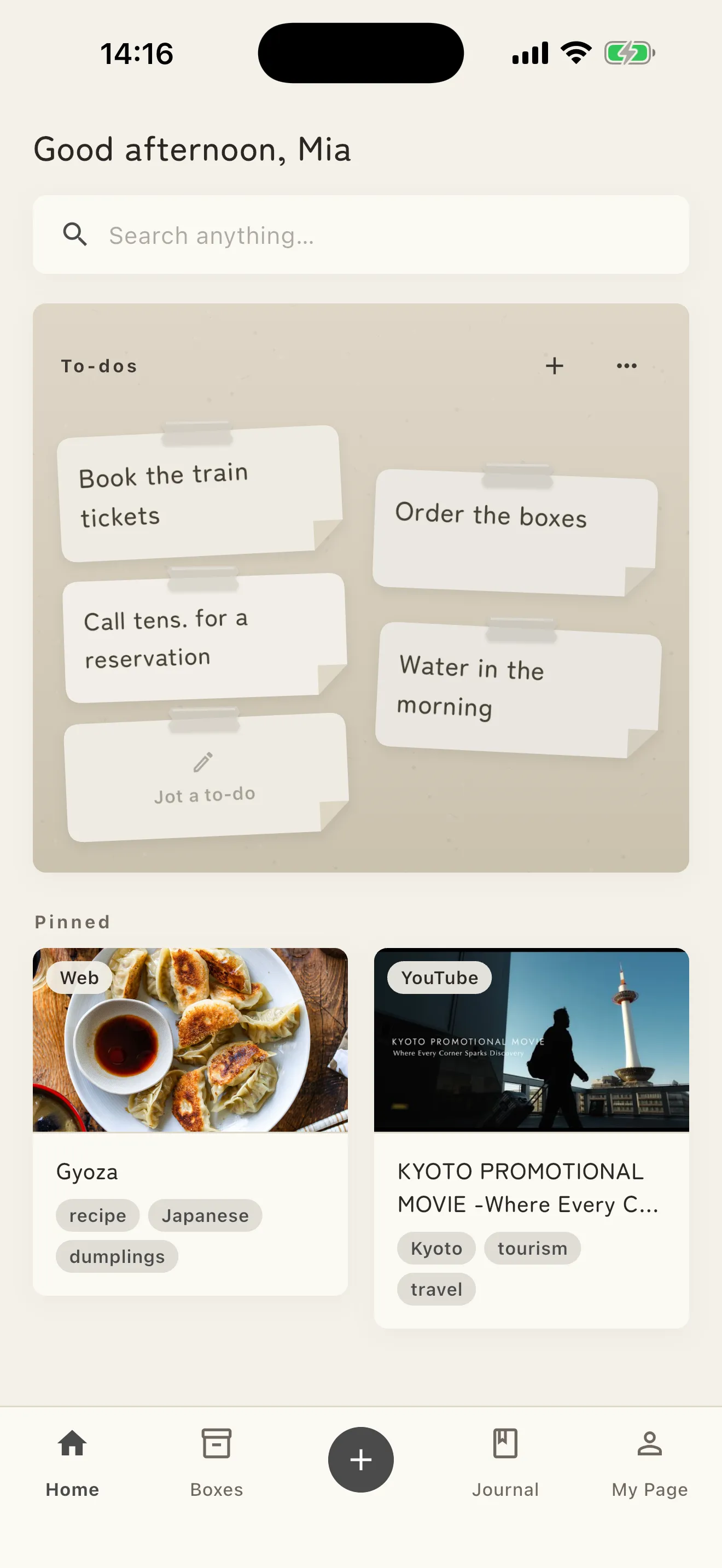
Dress it to match the day.
Colors, type, and illustrations all change together.
- Cozy
- Lovely Pink
- Calm BluePro
- MonoPro
New in Shimau 3.0
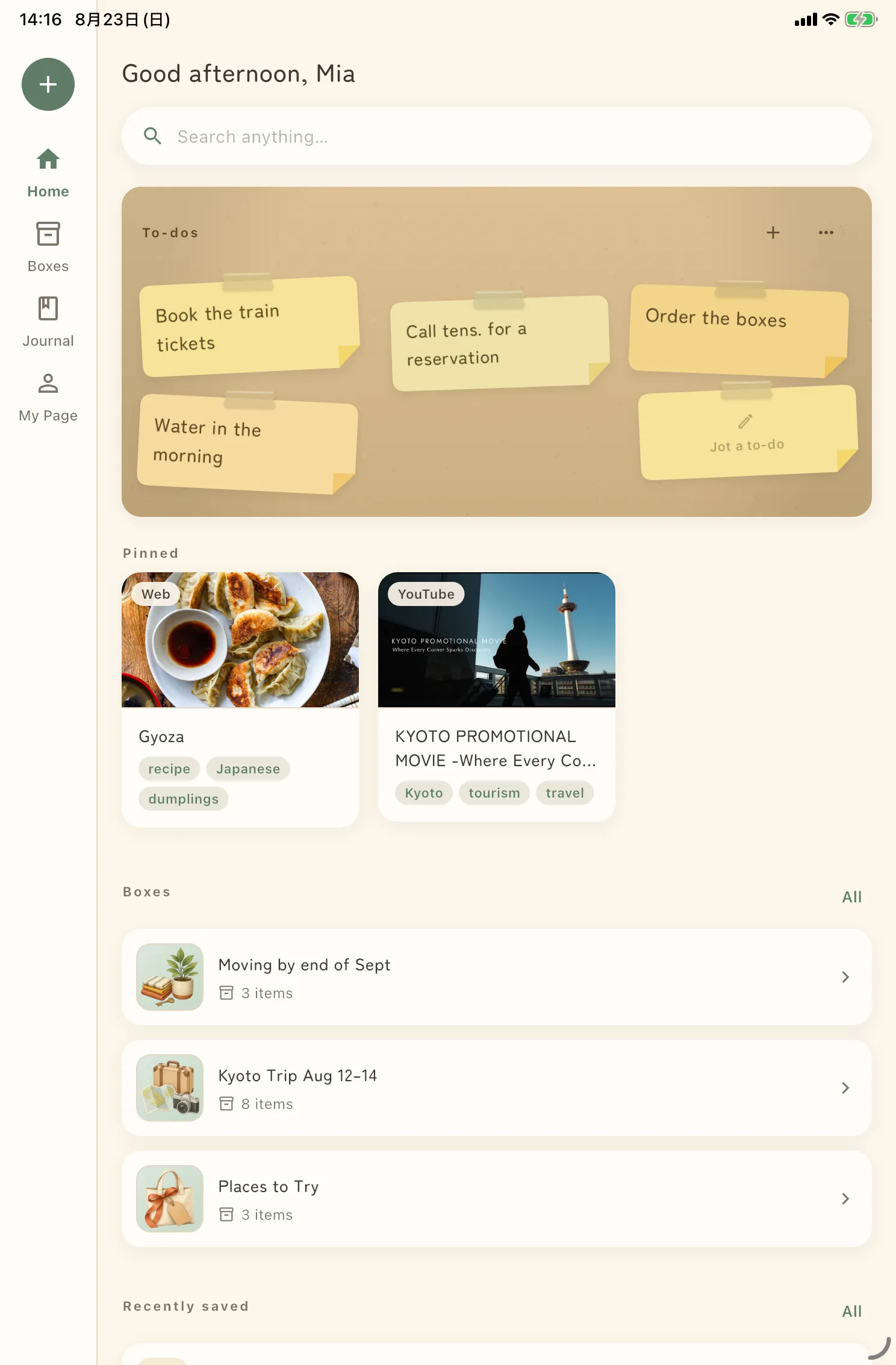
Now on iPad, and safe across devices.
Everything you had stays free. Pro adds the parts that protect what you put away.
- Pro
iCloud sync and backup
Change or break a device and nothing is lost. Your iPhone and iPad hold the same things.
- Pro
Lock with Face ID
Face ID or your passcode is asked for when you open the app.
Made for iPad
List and contents side by side. Split View, Slide Over, and external keyboards all work.
One-file backup
Photos, PDFs, boxes, sticky notes — everything in one file you can restore from. Free.
Where it helps
For every “I'll look at it later.”
Things sleeping in your screenshot folder and bookmarks show up the moment you need them.
Recipe screenshots
Screenshot a recipe from social media and toss it in. At the store, search “chicken thigh recipe.”
Bookings and receipts
Save the confirmation screen. Shimau reads the date and reminds you the day before.
Coupons and tickets
Anything with an expiry date. A reminder arrives before it goes to waste.
Articles to read later
Your read-later pile, with a summary on each so you remember what it was before opening it.
Places and trip notes
That café, that town. Search by the place name and everything comes up together.
Ideas and shopping
Ideas go in notes, shopping goes on sticky notes. “- ” makes a checklist.
Search the way you remember.
No exact keywords. No folders, no tags you have to maintain. Say what you remember, and it comes back.
Questions
Where is what I save stored?
On your device. Your screenshots, articles, and notes are never stored on our servers.
What is sent to AI?
Only the text recognized on-device from a screenshot, or the page information of a URL — for summaries and tags. Notes and records you write are never sent, and neither are the images themselves. Nothing sent is stored or used for training.
What are Records?
Once a day, you can log your mood (five levels), one line, and a photo. Look back in history, calendar, and stats. Records stay on your device too.
Is it free?
Yes. Core features and the Cozy and Lovely Pink themes are free. Pro adds iCloud sync and backup, Face ID lock, and two more themes. Prices are on the Pricing page.
How many notifications will I get?
Only a suggestion when AI finds a booking or deadline in what you saved, and a weekly look-back digest. Choose quiet, standard, or strong — or turn each off. Nothing else.
What can I save?
Images such as screenshots, web and social links, selected text, and notes written in the app. Anything that appears in the iOS share sheet can be tossed in.
Does it work offline?
Viewing, searching, and notes work offline. AI summaries and tags run when you are online; anything saved offline is processed once you reconnect.
Can I take my data elsewhere?
Yes. Export as Markdown / JSON anytime, or as a single full-backup file. Export is free.
Anything else — including how your data is handled:SupportPrivacy
Put away your first thing.
Free to start. Everything you save stays yours.