
Add Shimau to the iOS share sheet
Turn Shimau on in the share menu so you can save from any app.
Shimau is not in the share sheet at first. There are a lot of apps that can be shared to, and a newly installed one does not join the row on its own. You turn it on once.
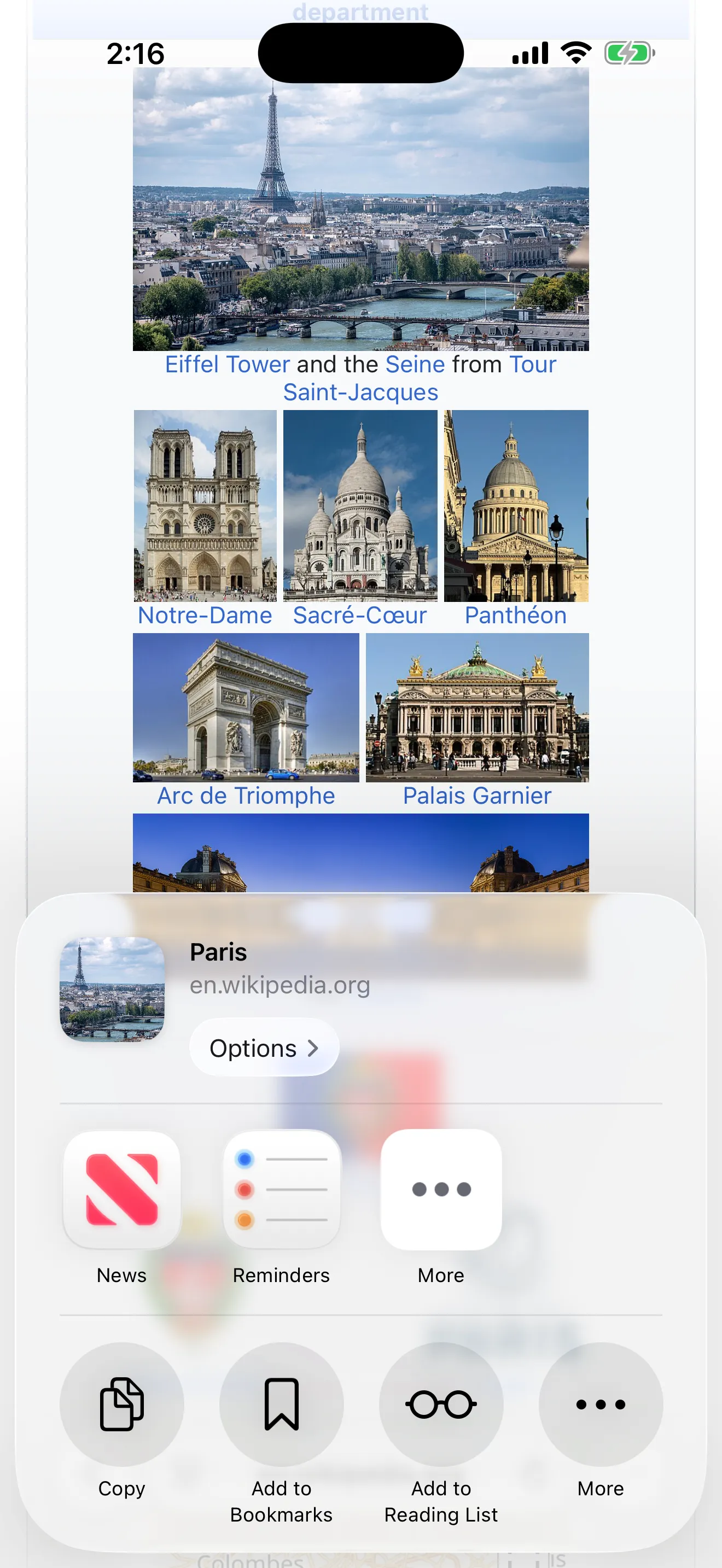
1Tap the Share button
The share button on the page you are looking at. The share sheet slides up from the bottom.
2Tap More at the far right
It sits at the right end of the row of apps.
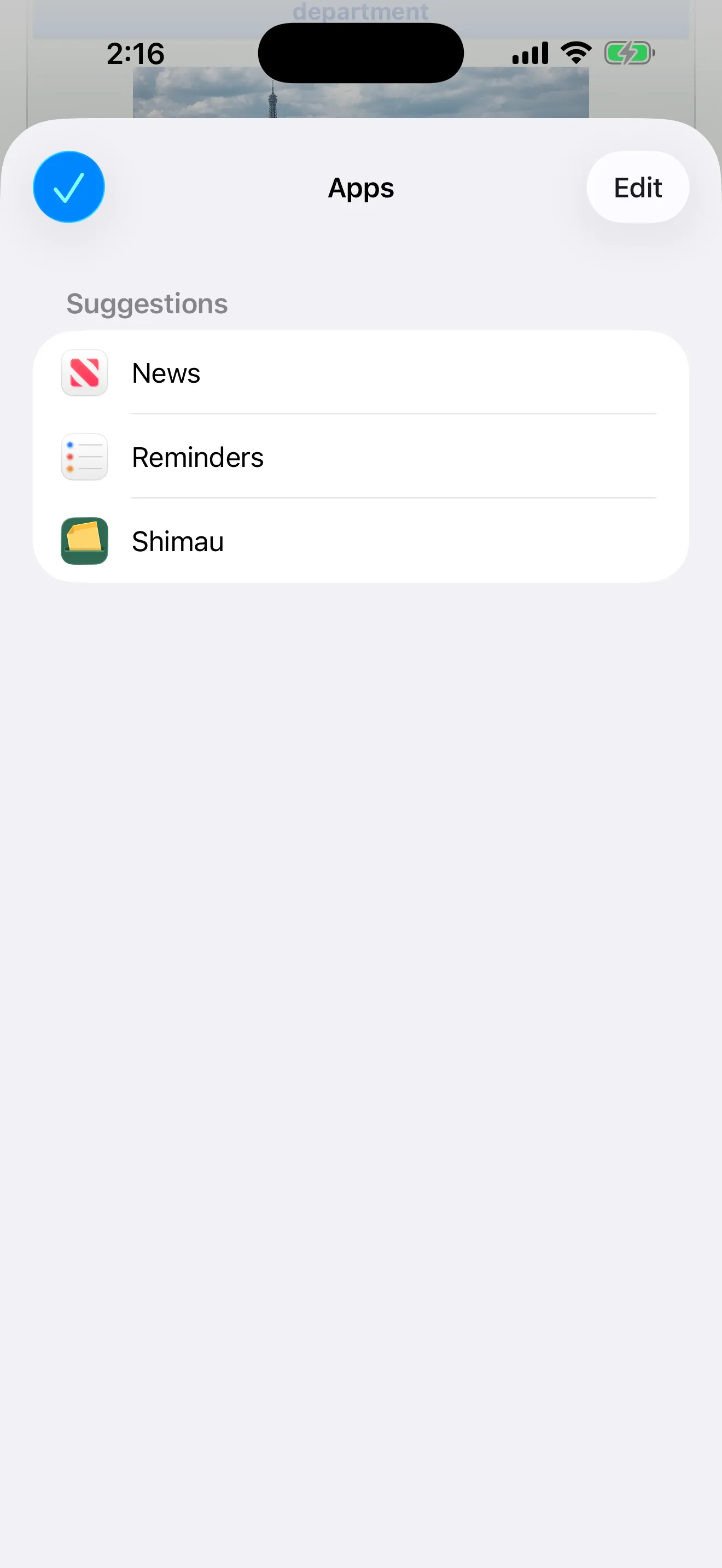
3Tap Edit at the top right
The Apps list opens. There are no switches yet.
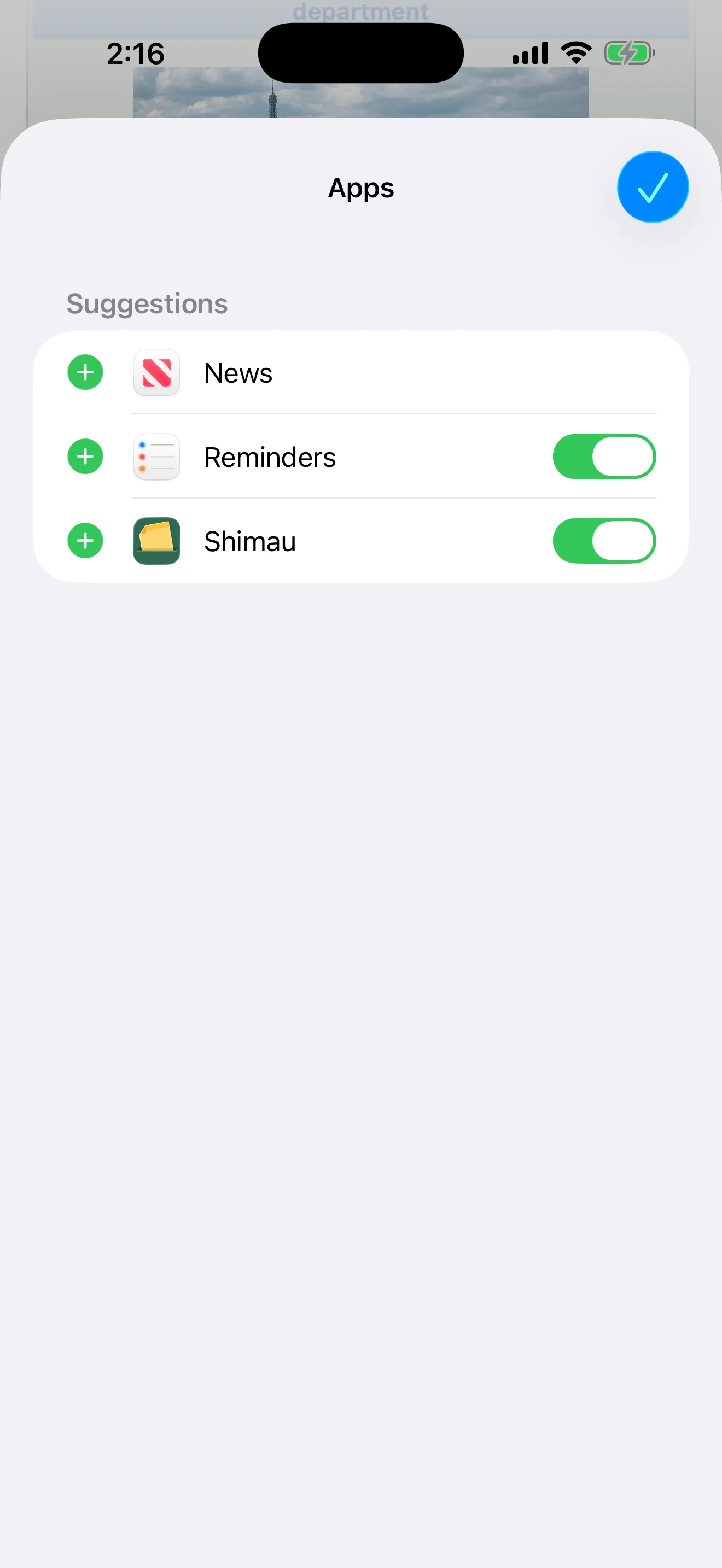
4Turn Shimau on, then close with ✓
A switch appears on every row. Turn on Shimau.
You only do this once. From then on you can save straight from the share button in any app.