
Use it on iPad
The larger screen splits into two. It also works alongside other apps.
The same app runs on iPad. You do not buy it again.
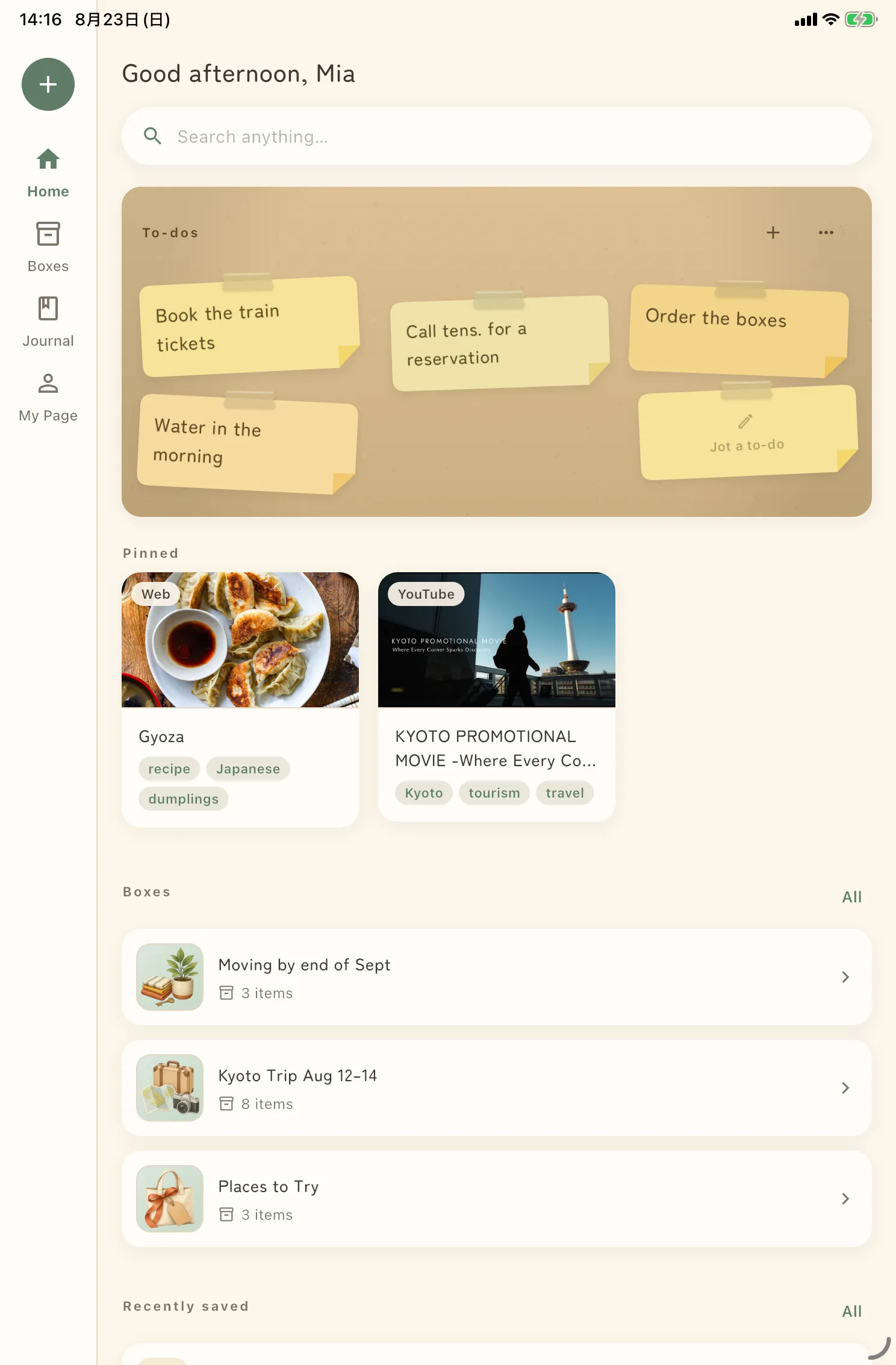
The screen splits left and right
On iPad the list is on the left and the contents on the right. Pick a box and its contents appear on the right; pick a date in Journal and that day’s entry does. No going back and forth the way you do on iPhone.
Alongside other apps
Split View and Slide Over are supported. Put Safari on the left and Shimau on the right, and save as you read.
External keyboards
With a keyboard connected you just type. Searching or writing a memo no longer buries the bottom half of the screen under the on-screen keyboard.
Same contents as your iPhone
Matching your iPad and iPhone needs iCloud sync. Without it, each device holds its own separate things.